Running Your Own LLM on an Azure VM with llama.cpp
Posted on Sun 27 September 2026 in Deployment
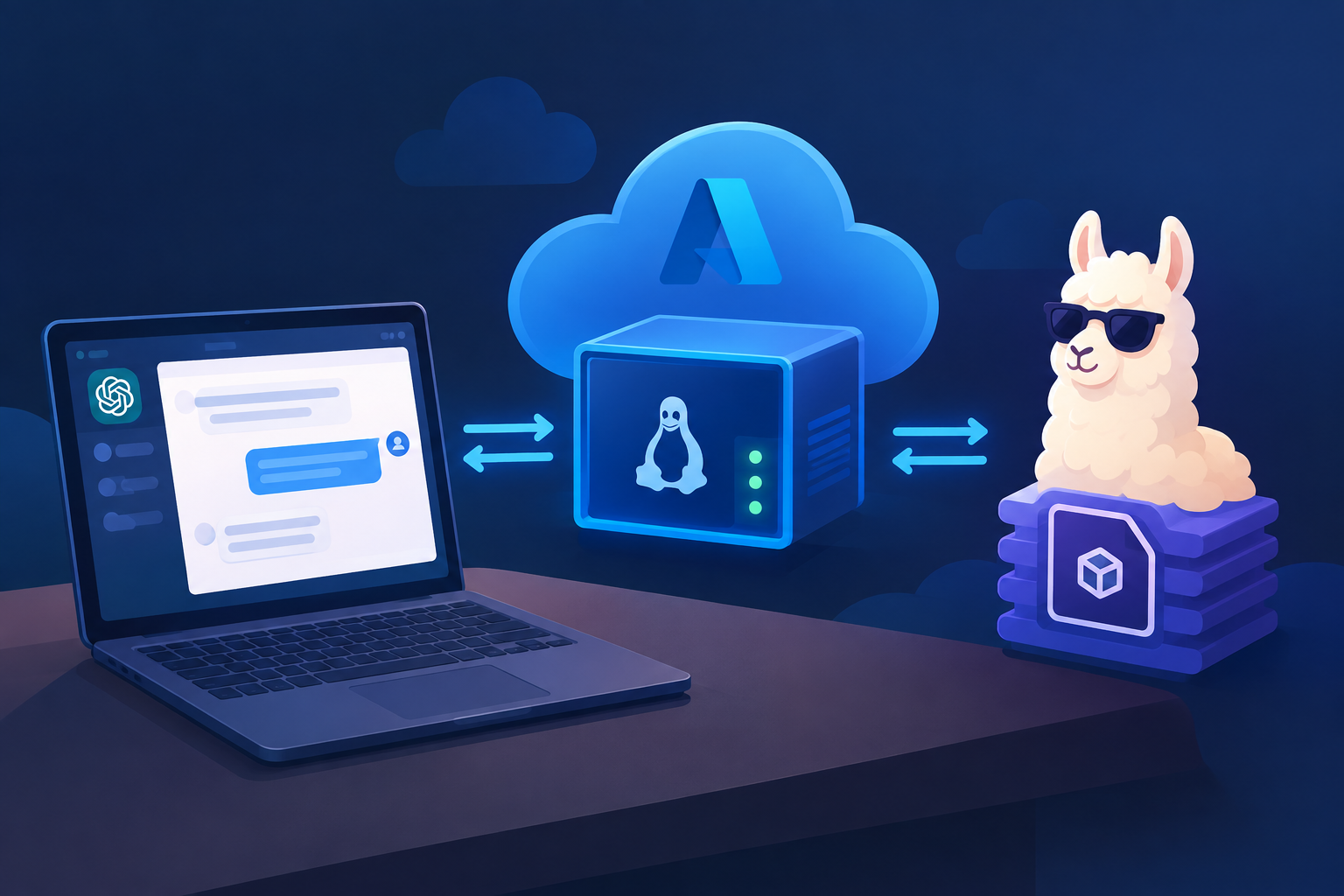
You don't need a GPU or a paid API to put a language model behind your app. With llama.cpp, a regular Azure VM can run a quantized open model and serve it through an OpenAI-compatible endpoint. This post covers how the setup fits together, what decides whether it's fast enough, and how to test your app after deployment without running the model on your own laptop.
The Big Picture
llama.cpp — A C/C++ engine that runs LLMs efficiently on ordinary CPUs. It loads models in the GGUF format and uses quantization to shrink them enough to fit in normal VM memory. Because it doesn't depend on CUDA, it runs on almost any Linux box, including a standard Azure VM.
llama-server — The HTTP server that ships with llama.cpp. It exposes OpenAI-compatible routes such as /v1/chat/completions, so any code already written for the openai Python client can use it by changing only the base_url. Your app talks to it over localhost, just like it would talk to a database.
Two services, one VM — The app and the model server run as two separate systemd services on the same machine. Each one restarts on its own, has its own logs, and starts on boot, so a model crash doesn't take the web app down with it.
Choosing the Right Model and VM
RAM is the first limit — A 4-bit quantized (Q4_K_M) model needs roughly 1 GB of RAM per billion parameters, plus extra for the context window. A 3B model fits in about 3 GB and a 7–8B model in about 5–6 GB. Leave headroom for your database, Python, and the OS.
CPU speed sets the experience — On a typical 4-vCPU VM, a 7B model generates around 3–10 tokens per second and a 1–3B model is noticeably faster. That's comfortable for one user at a time. If many users will hit it at once, pick a smaller model or a bigger VM.
Small instruct models are the sweet spot — Models like Qwen2.5-3B/7B-Instruct, Llama-3.2-3B-Instruct, or Phi-3.5-mini give answers that are good enough at speeds that feel responsive. Start small, measure, and only move up if answer quality is actually a problem.
Setting It Up
Starting the server — One command is enough to get a working endpoint:
./llama-server -m models/qwen2.5-7b-instruct-q4_k_m.gguf \
  --host 127.0.0.1 --port 8080 -c 4096 -t $(nproc) -np 2
-c sets the context length, -t uses every CPU core, and -np 2 lets two requests be handled in parallel.
Keep it private — Bind llama-server to 127.0.0.1 and never open port 8080 in the Azure network security group. Only your app, running on the same VM, should be able to reach the model. An open LLM endpoint on the internet will be found and abused quickly.
Make the endpoint configurable — Read the model URL from an environment variable instead of hard-coding it:
client = OpenAI(
    base_url=os.getenv("LLM_BASE_URL", "http://127.0.0.1:8080/v1"),
    api_key=os.getenv("LLM_API_KEY", "none"),
)
This one change makes the testing tricks below possible.
Testing Without Running the Model Locally
Test the live deployment directly — Since the model runs on the VM, you can open the live site and use it like a real user would. To check the model on its own, SSH into the VM and send it a request with curl http://127.0.0.1:8080/v1/chat/completions. Follow the logs with journalctl -u your-app -f and journalctl -u llama-server -f while you test.
Borrow the VM's model with an SSH tunnel — Run ssh -L 8080:127.0.0.1:8080 user@<vm-ip> from your laptop. While that session is open, localhost:8080 on your machine reaches the model on the VM, so your local copy of the app works unchanged. You test against the exact model production uses, install nothing locally, and the port stays closed to the internet.
Swap in a hosted API or a mock — Because the endpoint comes from LLM_BASE_URL, you can point local development at any OpenAI-compatible hosted API. For UI, database, and cross-browser testing you often don't need a real model at all. A MOCK_LLM=1 mode that returns a fixed reply makes those tests fast and repeatable.
Wrapping Up
What you get — A self-hosted model with no per-token bills, no data leaving your server, and an API your code already knows how to use. The trade-off is speed, which you manage by choosing the model size and VM size carefully.