Container Apps vs Virtual Machines — What's the Real Difference?
Posted on Sat 12 September 2026 in Cloud Infrastructure
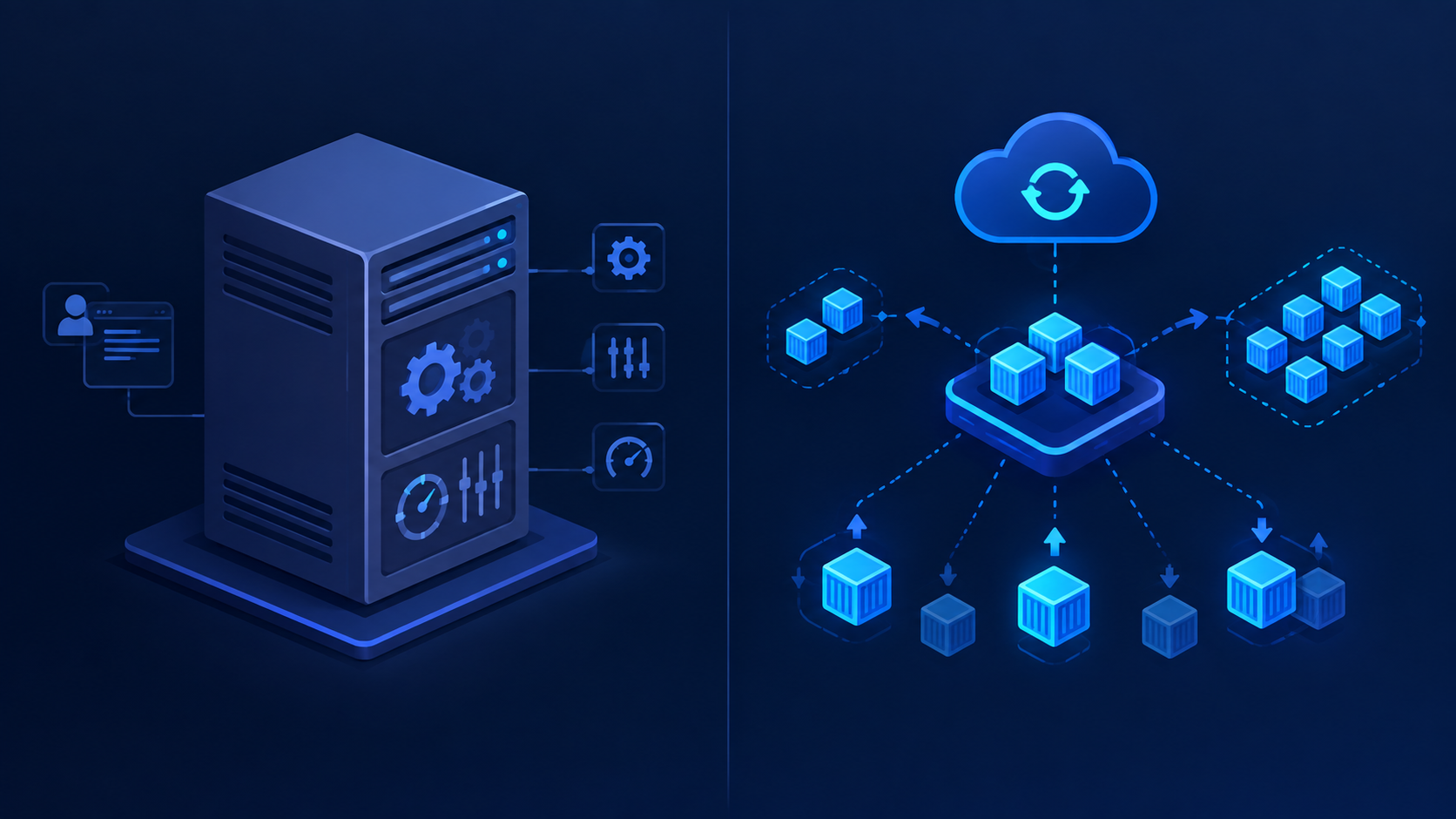
If you're trying to decide how to host your next app, this comes up constantly: should you spin up a Virtual Machine, or go with something like Azure Container Apps? Here's the breakdown.
What a Virtual Machine actually is
Full control, full responsibility — A VM is basically an emulated computer. You get to install any OS, any software, configure anything you want. But that freedom comes with a job description attached: you're patching the OS, managing the runtime, writing your own scaling logic, and setting up load balancing yourself.
Slower and heavier — Provisioning takes minutes, not seconds, and the resource footprint is bigger since you're running a whole OS underneath your app.
Where it shines — Legacy applications, custom OS requirements, lift-and-shift migrations, or anything where you genuinely need low-level control.
What Container Apps actually is
Bring the container, skip the ops — Container Apps is serverless container hosting. You hand it a container image and the platform takes care of the infrastructure underneath — no OS to patch, no servers to babysit.
Scaling is built in — Autoscaling, including scale-to-zero, plus load balancing and revision management come out of the box. Nobody's writing custom scaling scripts here.
Fast and lean — Deploys and scales in seconds, and you pay much closer to actual usage instead of paying for idle uptime.
Where it shines — Microservices, APIs, event-driven workloads, background jobs — basically anything stateless or built with 12-factor principles in mind.
The quick comparison
| VM | Container Apps | |
|---|---|---|
| Abstraction level | Hardware/OS | Application/container |
| Scaling | Manual or custom scripts | Built-in, automatic (incl. scale-to-zero) |
| Startup time | Minutes | Seconds |
| OS management | Your responsibility | Managed by platform |
| Cost model | Pay for uptime regardless of load | Pay closer to actual usage |
| Flexibility | Total (any software/OS) | Constrained to container workloads |
| State | Good for stateful apps | Best for stateless (some state support via volumes/Dapr) |
Bottom line
If you need full control over the OS, or you're running something that just doesn't containerize well, reach for a VM. If you're deploying a containerized app and want the platform to handle scaling and ops for you, Container Apps is usually the lower-effort, cheaper-at-idle choice.