Azure Container Apps vs Docker: Understanding the Basics
Posted on Tue 22 September 2026 in Cloud Infrastructure
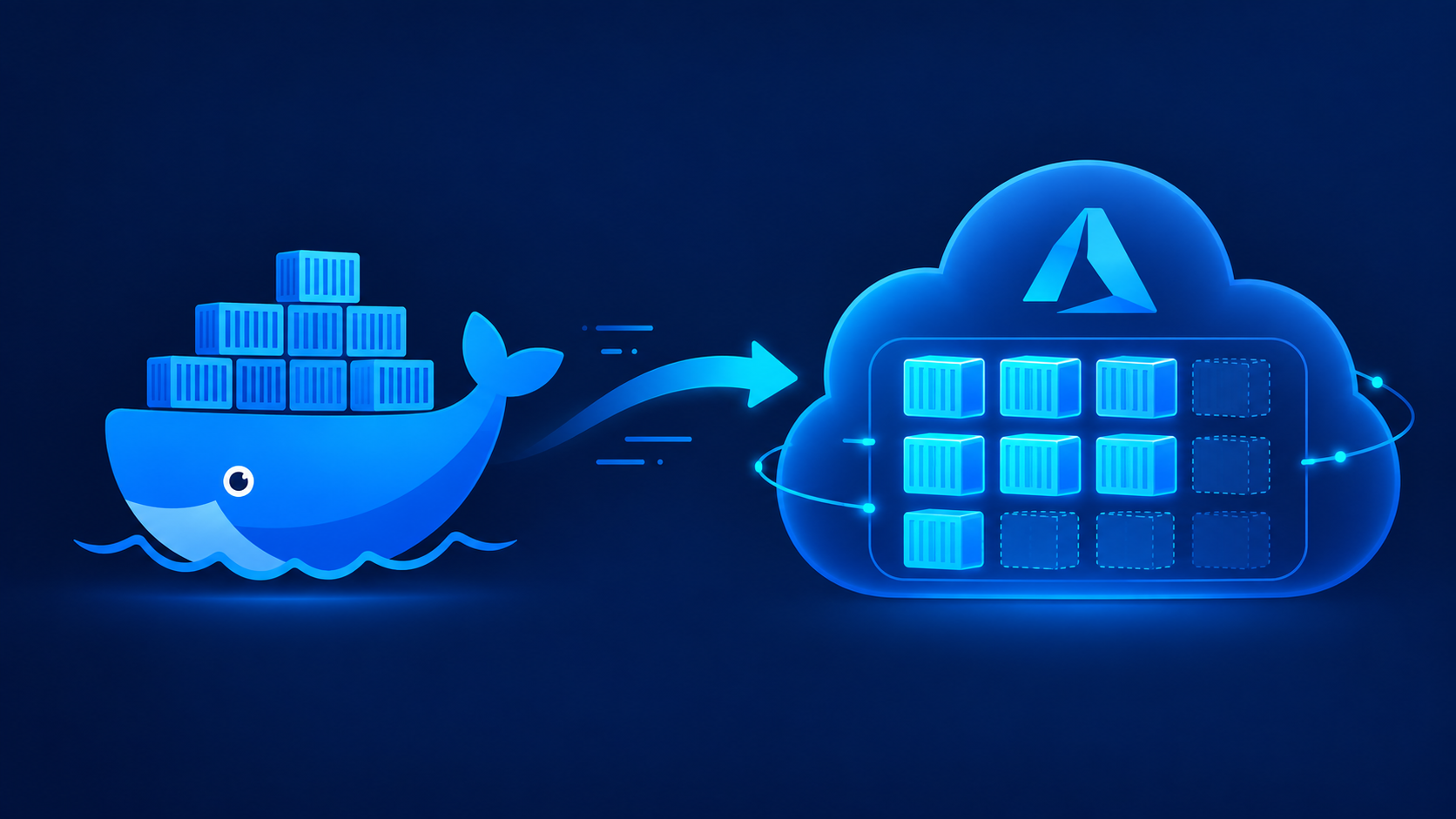
If you've spent time with Docker, you already understand containers. Azure Container Apps doesn't replace that knowledge — it builds a managed layer on top of it. This post maps what you already know onto what Azure adds.
Core Concepts
Docker — Docker is the toolset for building, packaging, and running containers locally. You write a Dockerfile, build an image, and run it as a container on your own machine or server. It handles the container lifecycle but nothing about scaling, networking across machines, or production traffic management.
Azure Container Apps (ACA) — ACA is a fully managed serverless platform for running containerized applications in the cloud. You give it a container image — often one you built with Docker — and Azure handles the infrastructure around it.
Think of it as "what happens after docker build when you need this running reliably, at scale, for real users."
What Docker Gives You
Image — A Docker image is a snapshot of your app and its dependencies, built from a Dockerfile. This is the artifact you hand off to any container platform, including ACA.
Local container runtime — Docker Desktop or the Docker Engine runs that image as a live container on your machine. Great for development and testing, but it's a single machine — no built-in scaling, load balancing, or high availability.
Compose — Docker Compose lets you define multi-container setups (app + database + cache) in one YAML file. It's local orchestration — useful for dev environments, but not meant for production traffic.
What Azure Container Apps Adds
Managed infrastructure — ACA runs on top of Kubernetes under the hood, but you never touch a cluster, node, or YAML manifest for pods. Azure provisions, patches, and manages the compute for you.
Autoscaling, including scale-to-zero — ACA can scale your app up under load and down to zero instances when idle, based on HTTP traffic, CPU, or custom triggers via KEDA. Docker alone has no concept of this — scaling is something you'd have to build or bolt on yourself.
Built-in ingress and traffic splitting — ACA gives you HTTPS endpoints, custom domains, and revision-based traffic splitting (e.g., 90% to v1, 10% to v2) out of the box. With plain Docker, you'd need to set up a reverse proxy or load balancer yourself.
Revisions — Every deployment to ACA creates a new revision, and you can run multiple revisions side by side. This gives you easy rollback and blue-green style deployments without extra tooling.
Dapr integration — ACA has native support for Dapr (Distributed Application Runtime), simplifying service-to-service calls, pub/sub, and state management. This is an Azure-specific convenience with no direct Docker equivalent.
How They Fit Together
The workflow — In practice, you still use Docker to build and test your image locally, exactly as before.
The shift happens at deployment: instead of docker run on a server you manage, you push the image to a registry and point ACA at it, and Azure takes over running it at scale.
Mental model — Docker is the packaging and local execution tool. Azure Container Apps is the production runtime and orchestration layer. You don't choose one over the other — Docker builds the box, ACA is the warehouse that stores, scales, and ships it.