AZ CLI Local Vs VM
Posted on Fri 11 September 2026 in Cloud Infrastructure
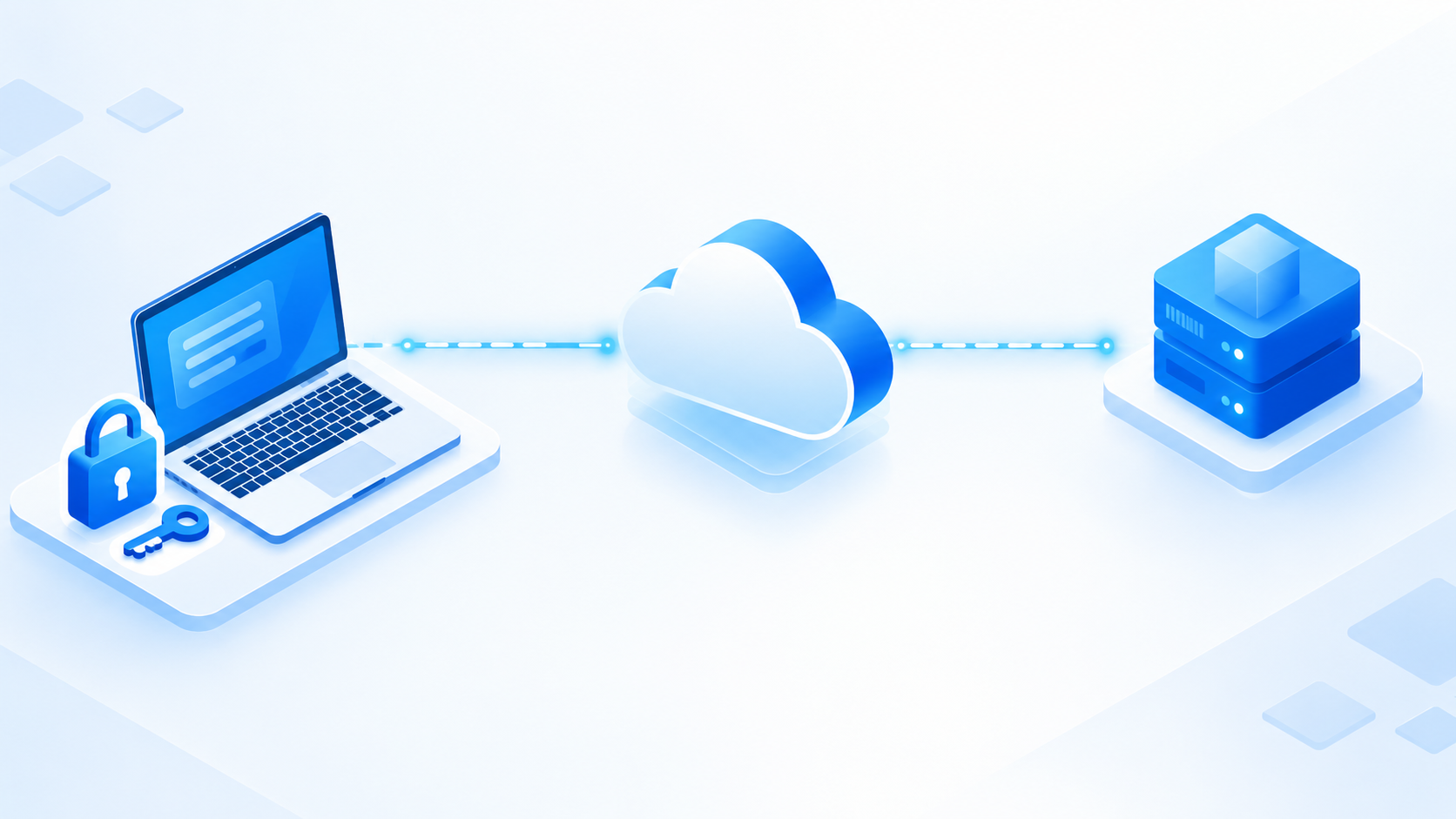
If you're new to Azure, it feels a little counterintuitive at first. You spin up a VM in Azure, and your instinct is to log into that VM and start running Azure commands from inside it — after all, that's where your "Azure stuff" lives, right? But then someone tells you to just run az from your own laptop, and it feels weird. Isn't the whole point of the cloud that things run in the cloud?
Turns out, the Azure CLI doesn't actually care where you run it from. It's not a tool that lives "inside" Azure — it's a thin client that talks to Azure's control plane over the internet. Once you understand that, the local-vs-VM question stops being confusing and starts making a lot of sense.
What az Actually Is
The az command is essentially a REST API client wrapped in a friendly CLI. Every time you run something like az vm start or az group list, under the hood it's just firing an authenticated HTTPS request at management.azure.com. That endpoint doesn't know or care whether the request came from a VM sitting inside your Azure subscription or from a coffee-shop laptop on a random Wi-Fi network. All it cares about is: do you have a valid token, and are you authorized to do this action?
That's the whole trick. Once you accept that az is "just an API client," everything else follows naturally.
No Need to Be on the Azure Network
Since az talks to management.azure.com over the public internet, it doesn't require any special network position.
Any machine with internet access and valid credentials — your laptop, a build server, a Raspberry Pi in your closet — can manage resources like VMs, storage accounts, and virtual networks, regardless of whether that machine is itself running inside Azure.
This is genuinely useful. It means your deployment pipeline doesn't need to live inside Azure to manage Azure. It means you can troubleshoot production infrastructure from home without needing a VPN into the Azure environment first.
Managing the VM Itself Has to Happen From Outside
Here's the part that trips people up the most: if you want to start, stop, resize, or delete a VM, you usually can't do that reliably from inside the VM.
Think about it logically — a VM can't cleanly power itself off or deprovision itself mid-command. The instant it shuts down, whatever process was running az vm deallocate dies along with it. Actions that affect the VM's own lifecycle have to be issued from outside, through the control plane, by something that will still be alive after the command completes.
This is a big reason the local (or external) execution model isn't just a convenience — for certain operations, it's basically a requirement.
Keeping Infra Tooling Separate From Workload Environments
There's also a cleanliness argument here. Installing the Azure CLI, storing your credentials, and running admin-level commands directly on a production workload VM mixes two things that are better kept apart: the environment that runs your application, and the tooling that manages your infrastructure.
Running az locally — or from a dedicated CI/CD runner — keeps your VM lean and focused on its actual job. It also makes automation far easier. You can trigger deployments, scale resources, or rotate secrets from a pipeline without ever needing to SSH into the machine you're managing.
Credentials and Scope Matter Too
When you run az login locally, you're authenticating as yourself (or as a service principal you control), not as the VM. This has real security implications.
If you instead relied on the VM's own identity to manage other Azure resources, you'd be granting that VM permissions it might not need for its actual job — which widens your attack surface. If that VM is ever compromised, an attacker inherits whatever az permissions were sitting on it. Keeping management credentials local, scoped, and separate from workload identities is a much safer default, and it's also easier to audit: you know exactly who ran what, from where.
The Takeaway
Running az from your local machine isn't a shortcut or a hack — it's actually the intended design. The CLI was built to be location-independent because Azure's control plane is designed to be managed from anywhere. Whether you're starting a VM, provisioning storage, or automating a deployment pipeline, az doesn't need to be "inside" Azure to do its job — it just needs a valid token and a network connection.
So the next time someone asks why you're not SSH-ing into the VM just to run an az command, you'll have a good answer: because you don't have to, and in some cases, you can't.